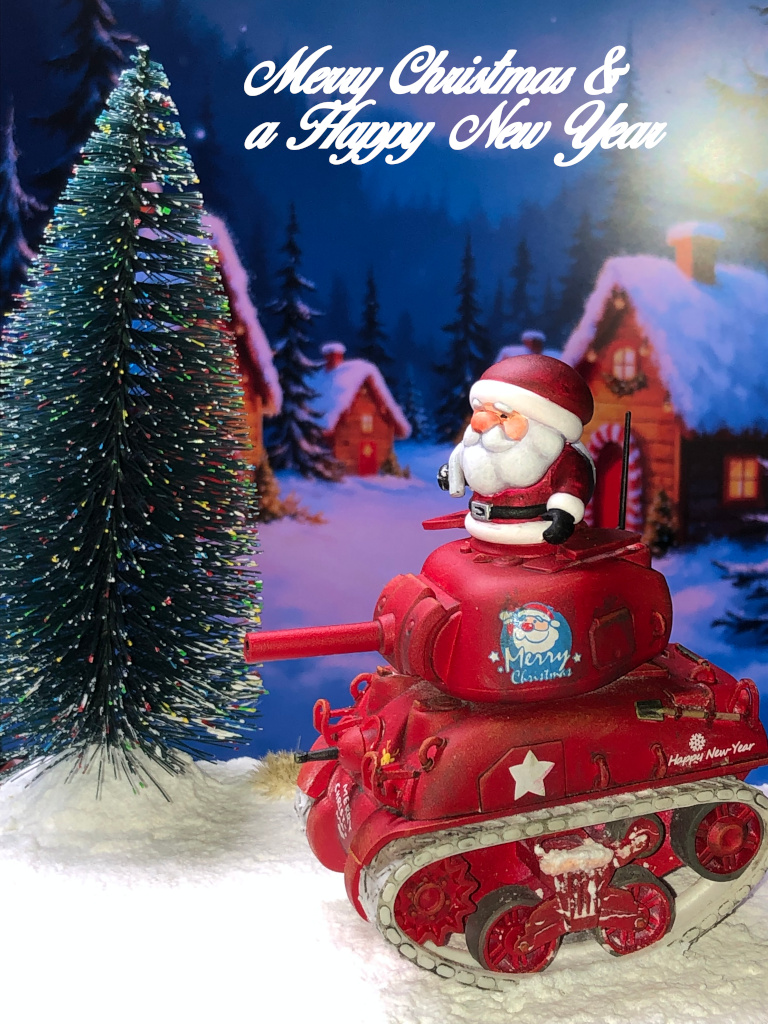
Not a 3D printed model this time, but a plastic Toon model. I have plenty of these carToon style models as I find them whimsical and interesting. I've already made and painted the Panzer IV model and used the Panzer III model as a basis for a Stug III ausf B conversion.
This project will be slightly different.
The diorama will the Meng M4A1 Sherman Christmas Edition model.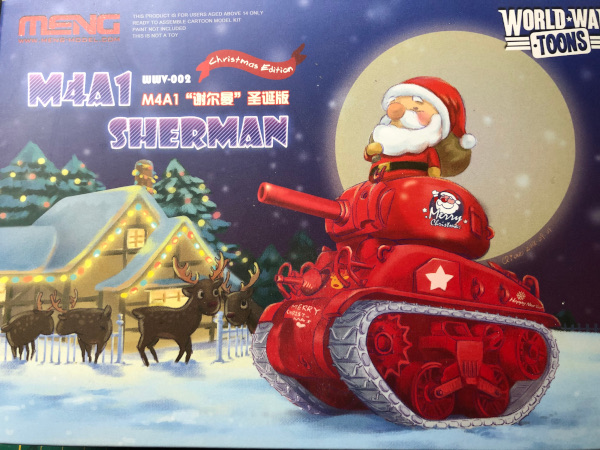
The kit is coloured as per the box art. The tank is in red plastic, the tracks are white, and Santa is a sort of flesh colour. This left me with the decision of what to do regarding painting the model.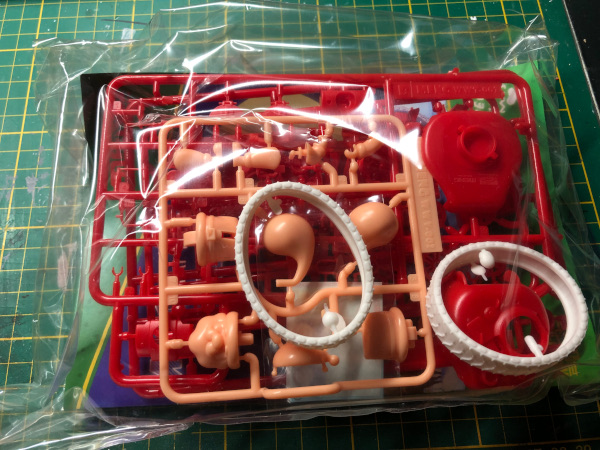
Assembling the model was not as straightforward as I imagined. The head light and tail light guards were particularly fiddly. Also the figure isn't designed to fit inside the tank cupola. This meant I had to resort to a bit of hacking and trimming.
The red of the model wasn't what I wanted, so I undercoated the model ... in white. This was a mistake as the plastic didn't take the paint-on undercoat very well. Lesson learned. A quick order to Scenery Workshop and I soon had Army Painter White primer and Dragon Red primer. The red was perfect and gave great coverage.
Once everything was painted, I added the fancy decals, using Micro Sol and Micro Set to fix them in place and get them to follow the contours of the vehicle.
I then used enamel washes for lining the panels and adding streaks of grime.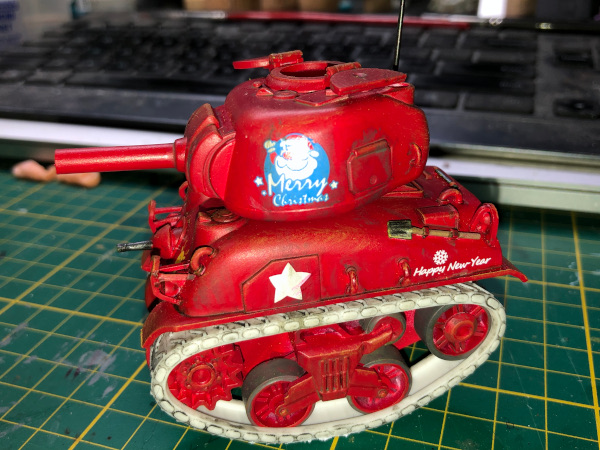
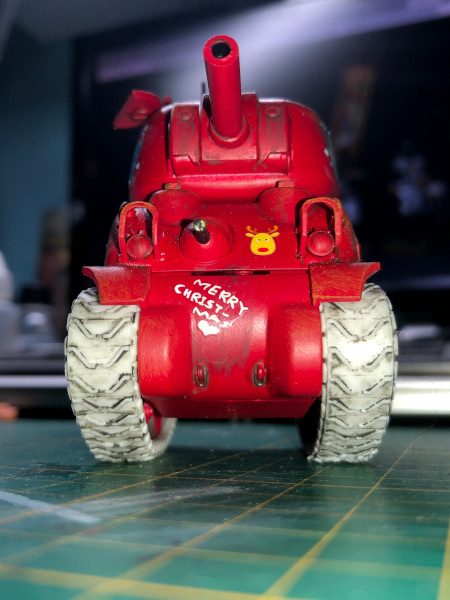

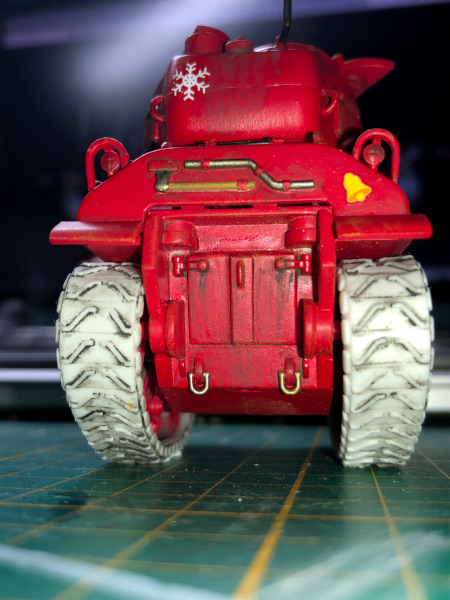
Santa was undercoated in white. I used Speedpaints to get the basic colour down. Lots of touching-up later, and Santa was good enough for me.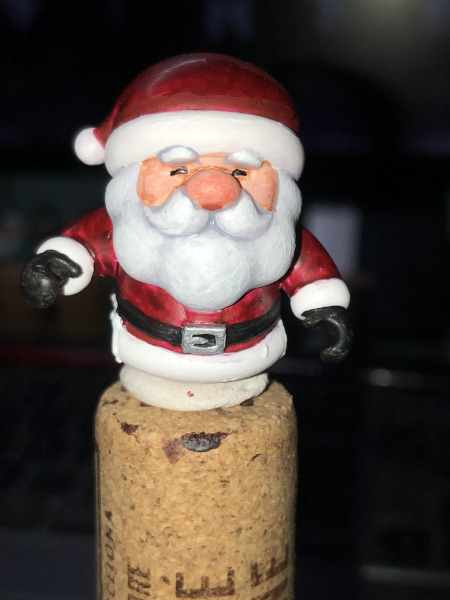
With the models almost done, I needed to sort out the base. My idea is to have the sleigh driving past a Christmas tree. I picked up some miniature Christmas trees, selected one that looked about right for the base I'd selected. I painted dots of green, yellow, red and blue onto the tree to try and give the impression of Christmas lights in the tree.
The base is a block of blue foam inside a photo frame of maroon wood. PVA and sand covered the block and which was then painted and dry-brushed.
The next stage will be to put the snow on the base and place the tree and the tank in the designated places.
For the initial layers I used Vallejo Diorama FX Snow Ground Texture. This goes on as a paste and dries with a slight gritty feel. I applied a couple of layers over the base and the tree base. I then hot-glued the tree and the tank to the base. A bit more of the paste to fill the gaps around the tree and tank and that was now complete. Because the paste has a slight gritty texture and I wanted a more fluffy look to the snow, I used Precision Ice and Snow's fine powder. This system provides everything to simulate ice and snow. Several layers later, I added a couple of winter grass tufts, followed by an overall mat varnish and the scene was complete.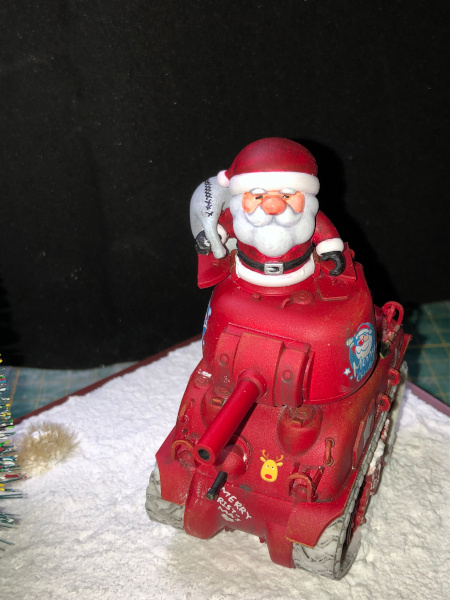
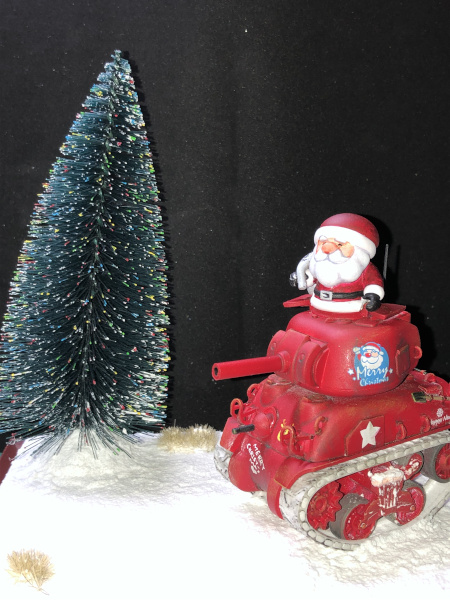
And finally, with a Christmas scene as a background.